

INDIGENOUS ECONOMIC DEVELOPMENT COMMUNITY OF PRACTICE
The Indigenous Economic Development Community of Practice (CoP) brings together tribal economic development practitioners to learn from each other and build capacity to plan for, apply and secure funding for, and implement economic development projects.

Have a topic you want to learn about? Click here to help shape the content, format, and timing of upcoming CoP activities.

Latest from the CoP
Explore the newest publications, event summaries, Subject Matter Expert (SME) insights, financing resources, and community knowledge from across the Indigenous Economic Development Community of Practice.
Tribal Economic Development Resources
Tribal Economic Development Resources
Publications
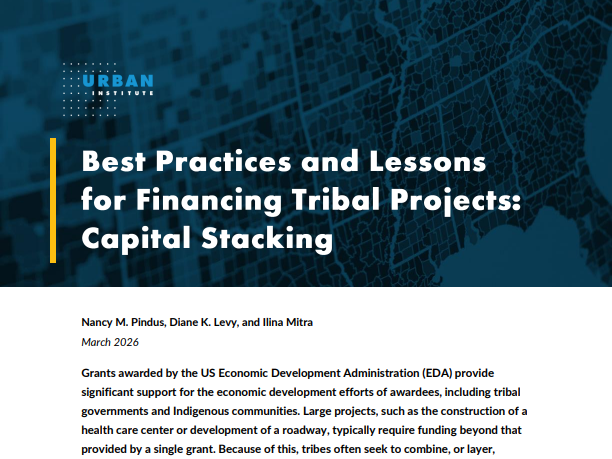
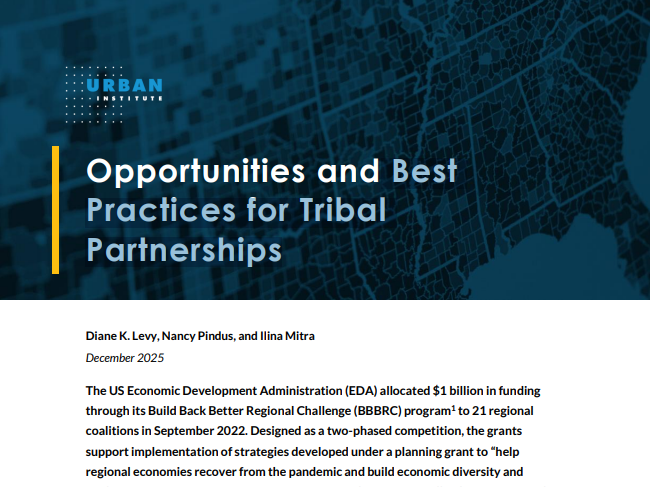
Explore our collection of resources developed by the Indigenous Economic Development Community of Practice, including practical toolkits and briefs on planning, implementing, and financing economic development initiatives in Native communities.

Leading Experts
Meet and learn from experienced economic development practitioners in areas such as planning, financing, housing, energy, healthcare, transportation, and entrepreneurship—making connections to support your tribal community.


Event Summaries
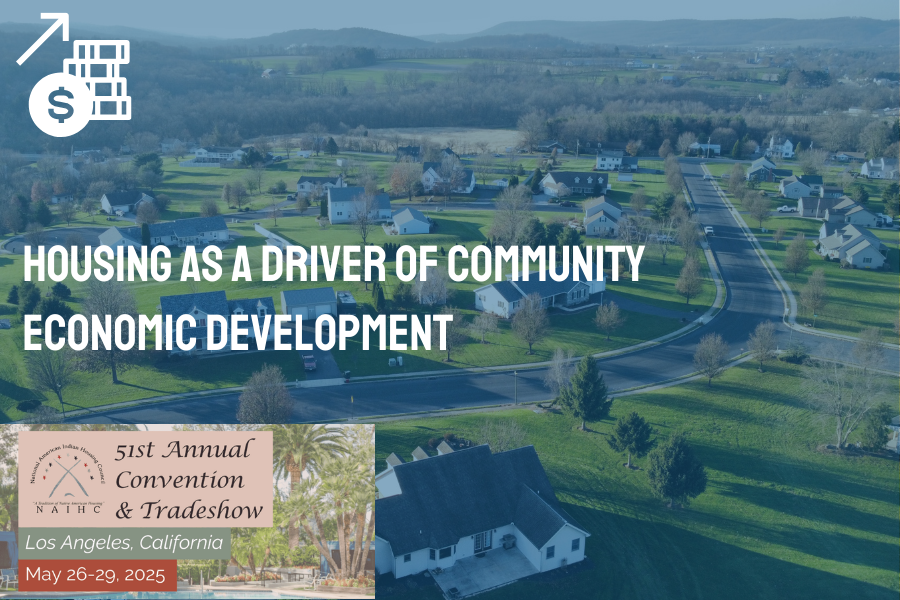
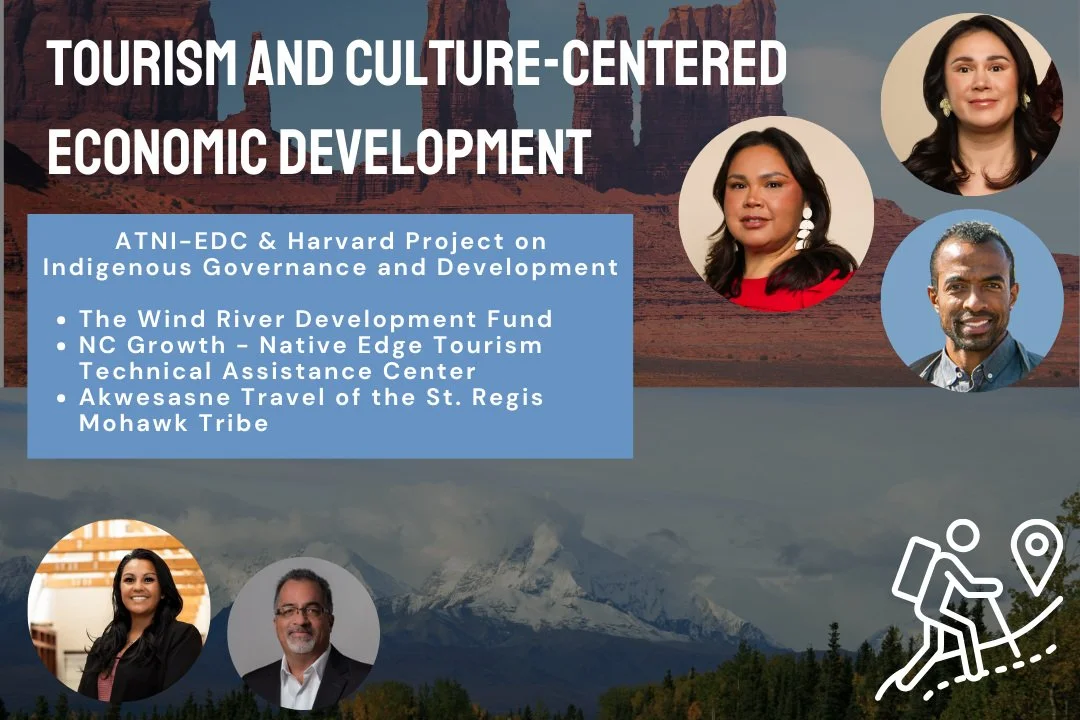
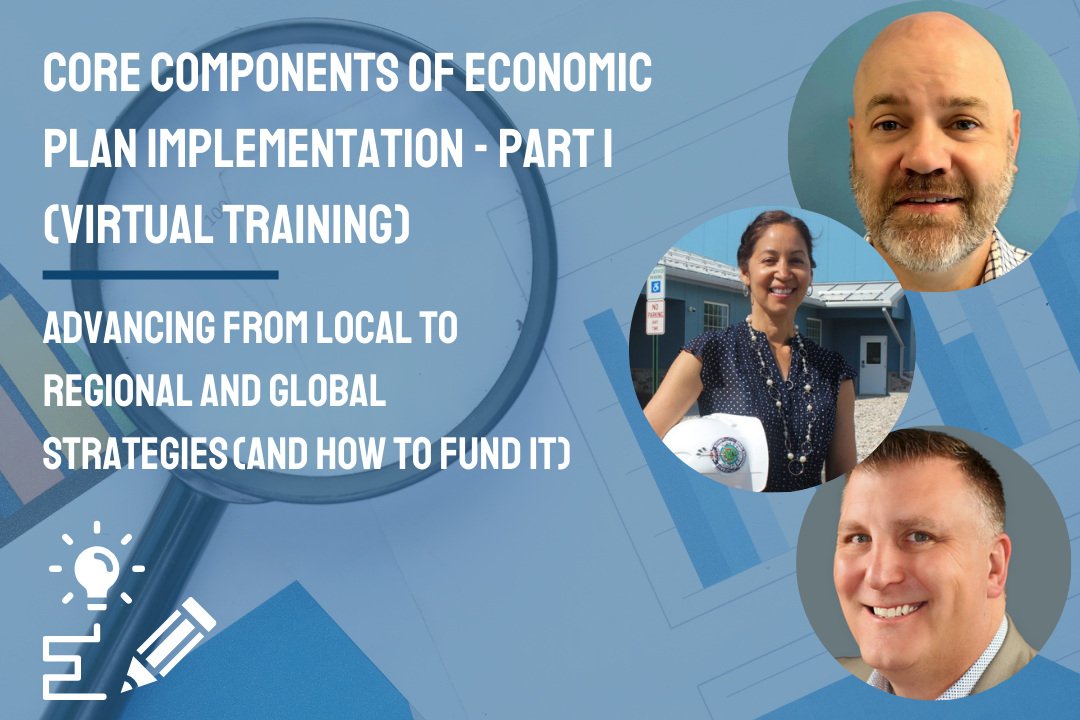
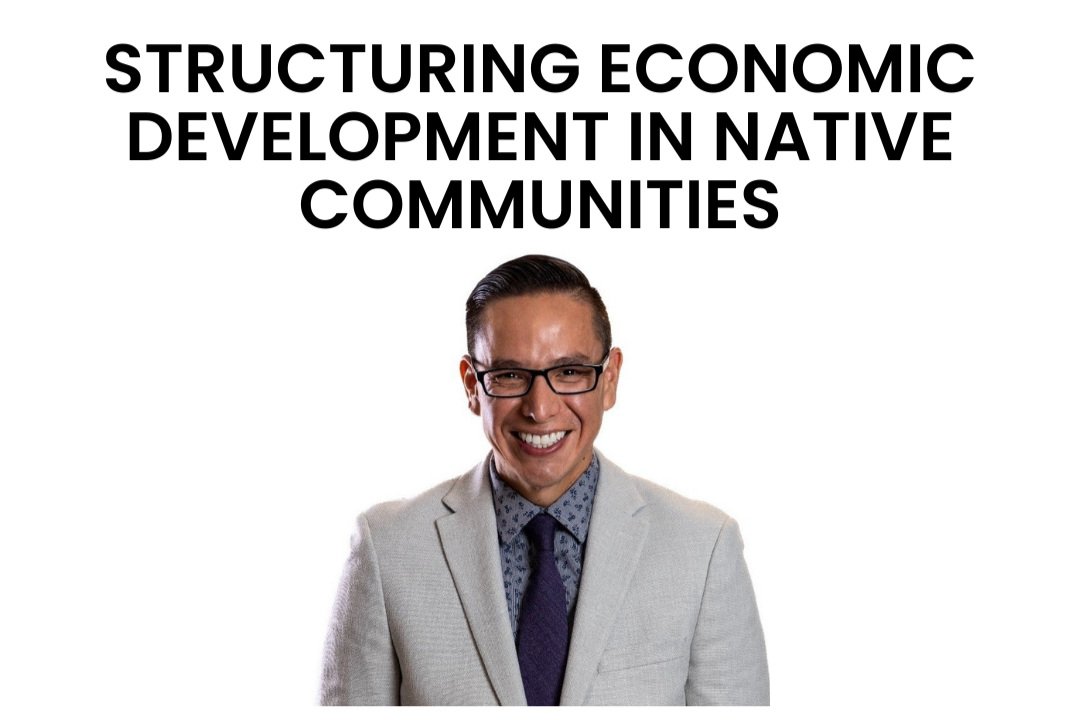
The CoP convenes regular networking sessions, coordinates training and technical assistance opportunities, and develops and shares best practices and other economic development resources.















We want to hear FROM YOU
What would you like to see discussed in the CoP?
Who would you like to work with and learn from?
How would you like the CoP to change?

Stay connected.
Join the Indigenous Economic Development CoP and be the first to hear about new publications, events, and project resources.
Join the CoPNext Phase of the CoP
Who is Involved?
Who is Involved?
Community of Practice Participants
Current EDA Indigenous Communities grantees, current and prior recipients of EDA grants in tribal communities, and tribal programs and enterprises supporting economic development can serve as community members.
Resource Group
Professionals, academics, agency staff members and others who provide technical support and resources to tribal and Native economic development professionals but who are not themselves current or potential EDA grantees.

CoP Member Map and Database
CoP Member Map and Database
Connect with other CoP participants and members of the resource group to share resources, create partnerships, and advance economic development efforts in tribal and Native communities.
-
IF YOUR ORGANIZATION DOES NOT APPEAR ON THE MAP/IN THE DATABASE AND YOU WOULD LIKE TO ADD IT or YOU WOULD LIKE TO UPDATE YOUR ORGANIZATION’S INFORMATION, FILL OUT THE COP SIGN UP FORM.
Community Participants:
Sort and filter the dashboard based on topics you are looking for additional information on or need assistance with (e.g., Workforce Development). You can also sort and filter the dashboard based on the type of resource group you are looking to interact with (e.g., Native CDFIs). Once you have sorted or filtered the information, you can click on the resource and community organizations that meet your criteria to find further information, including contact information, for each of them.
Resource Group Members:
Sort and filter the dashboard based on topics that the Community Participants are looking for additional information on or need assistance with (e.g., Workforce Development). You can also sort and filter the dashboard based on the type of resource group they are looking to interact with (e.g., Tribal Programs). Once you have sorted or filtered the information, you can click on the community organizations on the map that meet your criteria to find further information, including contact information, for each of them.
This database allows the user to sort by details in the following categories:
State / EDA Region: Sort community members by the state where they are located and/or the corresponding EDA region, find EDA staff contact information by region, or identify other members in the same state or region
Organization Type: Sort community members by organization type
Topics: Identify topics that participants are interested in discussing and resource groups are currently working in


Strengthening tribal community economic development through knowledge sharing, cultural transmission, and collaborative partnerships.
CoP Organizers
CoP Organizers



This toolkit provides practical guidance and tools for tribal leaders, partners, consultants, and other stakeholders responsible for designing local economic development plans that align with community needs and cultural values.